ContactSign inSign up
Contact

Turn agents into UI experts

Agents don’t know your frontend out of the box. Chromatic grounds them in real UI edge cases and page compositions, so they know when to use your components. Skills keep agents from making up the process, and tools let them check their own work.
Start freeSet up Chromatic MCP
vscode logo
retool logo
eu-flag logo
github logo
airbnb logo
mozilla logo
bbc logo
vscode logo
retool logo
eu-flag logo
github logo
airbnb logo
mozilla logo
bbc logo
vscode logo
retool logo
eu-flag logo
github logo
airbnb logo
mozilla logo
bbc logo
vscode logo
retool logo
eu-flag logo
github logo
airbnb logo
mozilla logo
bbc logo
vscode logo
retool logo
eu-flag logo
github logo
airbnb logo
mozilla logo
bbc logo

Force agents to use your components

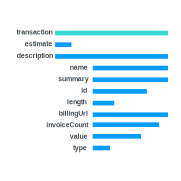
When an agent rebuilds a component you already have, you’re wasting tokens and increasing maintenance. Chromatic gives agents your component APIs and usage examples, so new work extends your system instead of adding tech debt.

Your components
Cascade graph component
Line graph coral component
Slider component
Datepicker component
Multiselect component
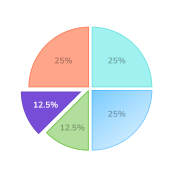
Pie chart component
Marketing buttons component
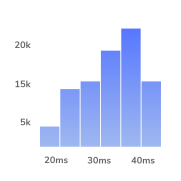
Histogram component
Text component
Agent output
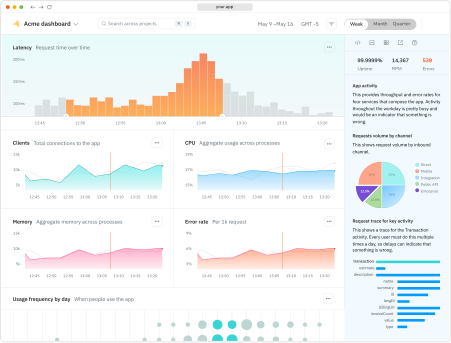
Agent uses your components to generate the page
Choose the right component for the job
A structured index shows agents which components are available and how they’re used, without making them piece it together from source files.
Handle every edge case
Usage examples give agents working configurations for the states each component supports, so they don’t have to guess which props to combine.
Build UI that belongs in your product
Your pages show how components fit together. Agents can riff on those patterns to build new flows that still feel like your product.
Up to
16%
More reuse
Component reuseProjected over 10 tool calls per session
  • 1 prompt+1.53%
  • 10 prompts+16.4%

Benchmarked from 650 runs, Opus 5, different scenarios of an app using a design system with MCP vs no MCP.

Give agents a process they can follow

Even with the right components, you often need to hand-hold agents through tricky tasks. Chromatic comes with ready-made skills that tell agents how to use your components, write stories, and decide when to test, so they can tackle your backlog autonomously.

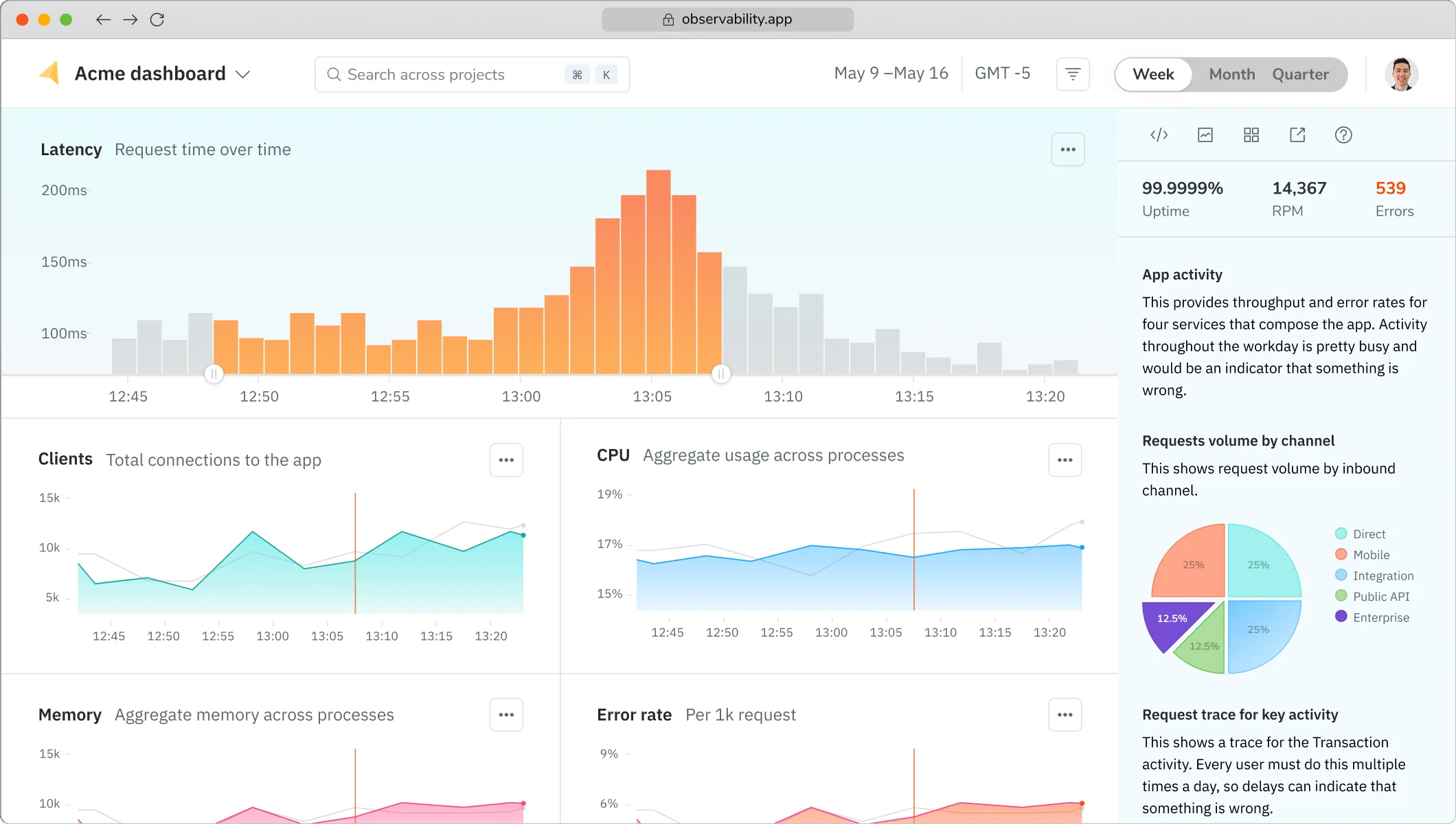
An agent adds memory and error-rate charts to a dashboard, uses Chromatic skills and MCP tools to find existing components, catch and fix a regression in a shared chart, and hands two intended changes to a person for review.
Chat

Add memory and error rate over time to the dashboard, below CPU.

  1. Used find-existing-component skill
  2. Ran list-all-documentation – Storybook MCP
  3. Reusing LineChart from your Storybook
  4. Wrote 2 stories · changed 3 files
  5. Pushed · CI running Chromatic
  6. Ran chromatic_get_latest_build – Chromatic MCP
  7. 3 changes found
  8. Used review-visual-changes skill
  9. 2 intended · 1 regression: CPU axis (shared LineChart)
  10. Fixed LineChart · changed 1 file
  11. Pushed · Ran chromatic_get_latest_build – Chromatic MCP
  12. CPU unchanged
  13. Used check-merge-readiness skill
  14. Ready for your review: 2 visual changes
Research before reinventing
Agents investigate similar implementations and compare component APIs before deciding what to reuse, adapt, or build from scratch.
Anticipate the impact of changes
Changes in shared components can cascade far beyond the file being edited. Agents check dependents and states up front to spot other UI that may need updating.
Know what to test and when
Keep agents on track as they code with fast, focused checks. Then progressively broaden coverage to catch regressions as the PR becomes ready for human review.

Put UI devtools into agent hands

Agents use Chromatic MCP and plugins to look up components, inspect rendered stories, and run tests themselves. They pull information directly from your frontend, so you don’t have to act as the go-between.

Storybook, Vitest, Playwright and Cypress share UI context for teams (components, edge cases, documentation and test results) with Claude Code, GitHub Copilot, ChatGPT and Cursor.
  • Storybook logoStorybook
  • Vitest logoVitest
  • Playwright logoPlaywright
  • Cypress logoCypress
  • Claude Code logoClaude Code
  • GitHub Copilot logoGitHub Copilot
  • ChatGPT logoChatGPT
  • Cursor logoCursor

UI context for teams

  • Components
    Available
  • Edge cases
    Available
  • Documentation
    Available
  • Test results
    Available
Claude Code logoCursor logoGitHub Copilot logoChatGPT logo
Made for your harness & factory
Keep the agent workflow you’ve built. Chromatic MCP and plugins give your agents direct access to your components, rendered UI, and tests.
Pull rendered UI into context
Chromatic captures screenshots, DOM elements, accessibility violations, and human feedback from your rendered UI. Agents can query that evidence without running the browser themselves.
Get test feedback agents can act on
Chromatic verifies each component in isolation, so agents can pinpoint the root cause without wasting tokens debugging entire flows or pages.
Get agents to build UI like you do
Start freeSet up Chromatic MCP

Frequently asked questions